Home Fire Safety: 5 Overlooked Fire Hazards and How Smoke Detectors Protect You
Five overlooked home fire hazards and how to fix them, how ionization and photoelectric smoke detectors work, and why monitored detectors matter when away.

How often to test your alarm system, what to check every year, when to upgrade or replace equipment, and how network sunsets affect cellular communicators.
Test your security system at least every three months, and monthly if you can, by putting it on test with your monitoring center and triggering each sensor so you know every signal arrives. Once a year, also review camera views, the user and code list, alert settings, and emergency contacts, because a system can work perfectly and still leave gaps when your home or routine changes. Upgrade or replace equipment when it has no app, relies on outdated communication, or can no longer be repaired.
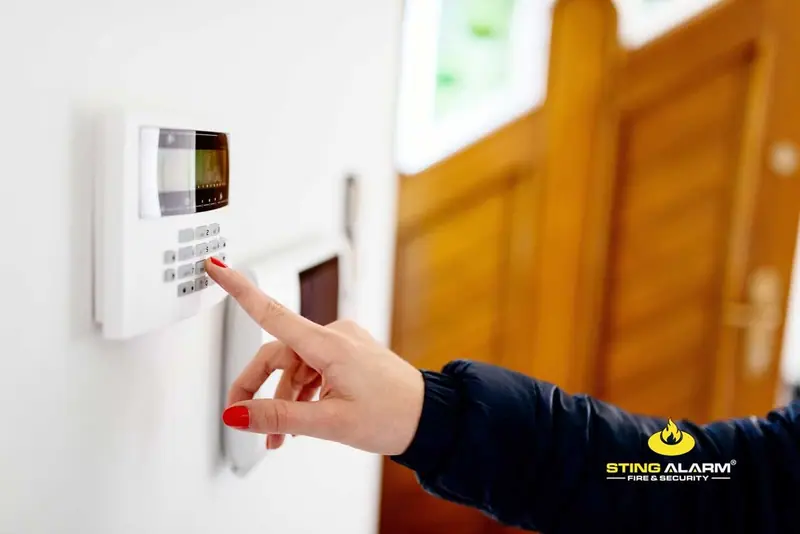
Like any electronic device, a security system can fail without warning. Testing tells you it will work when you need it, and whether it needs remote troubleshooting or a service visit.
Most of the problems we find during reviews are not broken equipment. They are settings and surroundings that changed while the system kept running. Once a year, walk through this list.
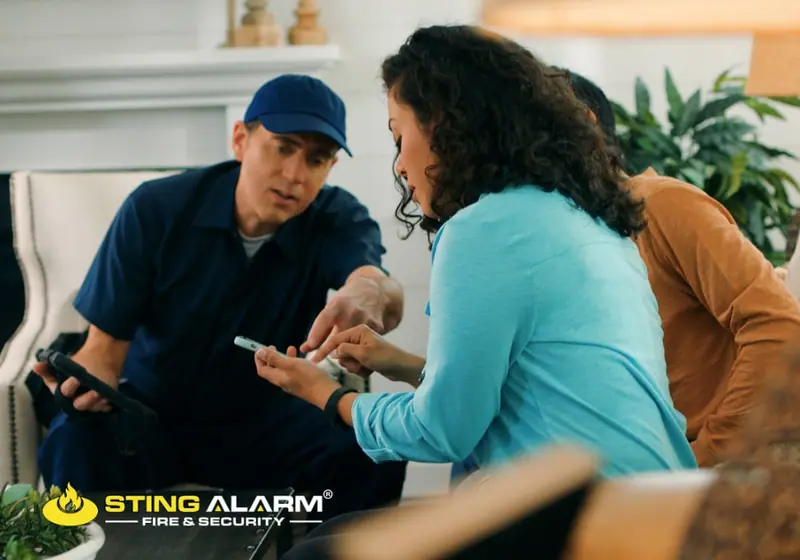
Life safety systems need the same attention. Dust on a device, a disconnected wire, or outdated firmware can slow detection, and these issues are easy to fix when caught early. Businesses also need inspection records that show the system is maintained, and any change in occupancy or layout should be reflected in the fire system. Learn more about inspection and maintenance.
Your system was set up for your home or business as it was on installation day. Life moves on:
None of this means anything is broken, but codes, alert schedules, and coverage should keep pace. New user codes and arrival alerts for kids, pet-friendly motion settings, an alert schedule that matches new hours, and access credentials that expire when someone leaves all close gaps before they matter. For family-specific settings, see home safety for families.
Most systems don't fail outright. Alerts come through and video records, so everything looks fine. The gaps show up when something actually happens:
The fix is rarely new equipment. It is making sure that when an event occurs, the right people get a clear alert and the monitoring center has current instructions.
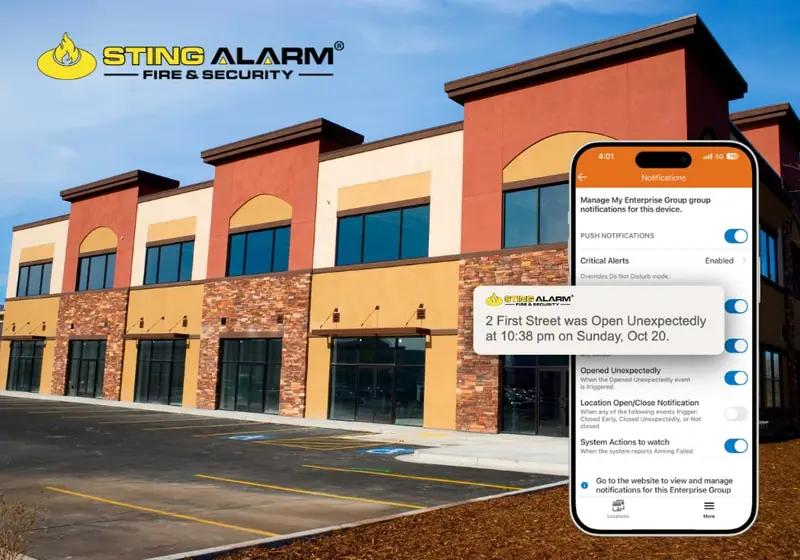
A well-maintained system can last many years, but working is not the same as current. Older systems often cannot run an app, cannot connect to smart devices, and use parts that are hard or impossible to find. Use these checks:
If your system is more than 10 years old, or you just moved into a home with a system already installed, have it assessed.
Many alarm systems send signals over the cellular network. In 2022 the major US carriers shut down their 3G networks, and alarm communicators that relied on 3G gradually lost the ability to send signals until they were replaced. Homes and businesses whose alarm company did not warn them found out the hard way.
The lesson applies beyond 3G: carriers retire older network technology over time. To stay ahead of it:
Most systems are installed with more capability than people use. A short review often turns up features you already own:
Updating permissions, adjusting alert schedules, reviewing camera placement, and confirming monitoring instructions are practical adjustments that make the system easier to rely on without adding complexity.
If it has been more than a year since anyone looked at your system closely, we can help you test it, tune it, or plan an upgrade. Sting Alarm has provided home security monitoring and integrated security and fire protection in Las Vegas since 2003 and now serves the Phoenix metro too. Same-day service is often available for existing customers, depending on technician availability. After-hours rates may apply.
Call Las Vegas (702) 737-8464 or Phoenix (602) 431-1300, or request a review.
At a minimum, test your system every three months. Monthly is even better. Also test after electrical work, remodeling, a move of furniture or cameras, or any change to your internet or phone service.
Call your monitoring company first and ask them to put your system on test. Then arm the system, open each protected door and window, walk past motion sensors, and press the test button on smoke detectors. Call back so the monitoring center can confirm every signal arrived, then take the system off test.
Consider replacing it if it has no app, relies on a phone line or an older cellular network, cannot connect to cameras and smart locks, or uses parts that are no longer made. If the system is more than 10 years old or came with a home you just bought, have it assessed.
In 2022 the major US carriers shut down their 3G networks, and alarm communicators that used 3G stopped sending signals until they were upgraded. Carriers retire older network technology over time, so make sure your communicator uses a current network and that your security company tells you well before any change.
Yes. A system can work perfectly and still miss things if cameras have been blocked by new furniture or landscaping, old users still have codes, alerts go to the wrong people, or emergency contacts are out of date. A yearly review catches those gaps.
Five overlooked home fire hazards and how to fix them, how ionization and photoelectric smoke detectors work, and why monitored detectors matter when away.
How often fire alarms should be inspected, what a fire alarm inspection includes, and why regular testing protects lives, property, and code compliance.
Repair, partial upgrade, or full replacement? Your options for a commercial fire alarm system in Las Vegas, including panels, devices, and communicators.
Current customer or not, tell us about your system and our team will help you test, adjust, or upgrade it.
★★★★☆ Excellent service Mike! Mike, the alarm technician was professional, knowledgeable, punctual, and courteous. He took the time to diagnose the problem, explain the solution, and make sure everything was working properly before leaving. The entire process was smooth and hassle-free. Thank you for the great service!
★★★★★ Isaac and Isaac from Sting were amazing!!! They showed up on time and even got the installation done before the quoted time. Isaac explained how the system worked in detailed and set up my cameras and doorbell without any issues. I would recommend Sting to anyone looking to upgrade their security system and ask for Isaac.
★★★★★ Sting Alarm has been great to work with. Had an issue that needed a field tech to come out. Mike was dispatched and worked on the issue - quickly identifying the issue and resolving it for me. Friendly and great service!