Security Camera Buying Guide: What to Know Before You Install
What to know before installing security cameras at a Las Vegas home: smart alerts, AI detection, video verification, recording options, and desert heat.

What business security cameras should do beyond recording: AI video analytics, queue and crowd alerts, heat maps, fraud review, deterrence, and liability.
Business security cameras should do more than record: the right system detects people and vehicles where they should not be, alerts you or a monitoring team while something is happening, and gives you data on traffic, queues, and staff activity that improves daily operations. Look for HD video, AI analytics, secure cloud storage, and one app that ties cameras to your alarm and access control. This guide covers what modern business cameras can do and how Las Vegas businesses use them for security, operations, and liability protection.
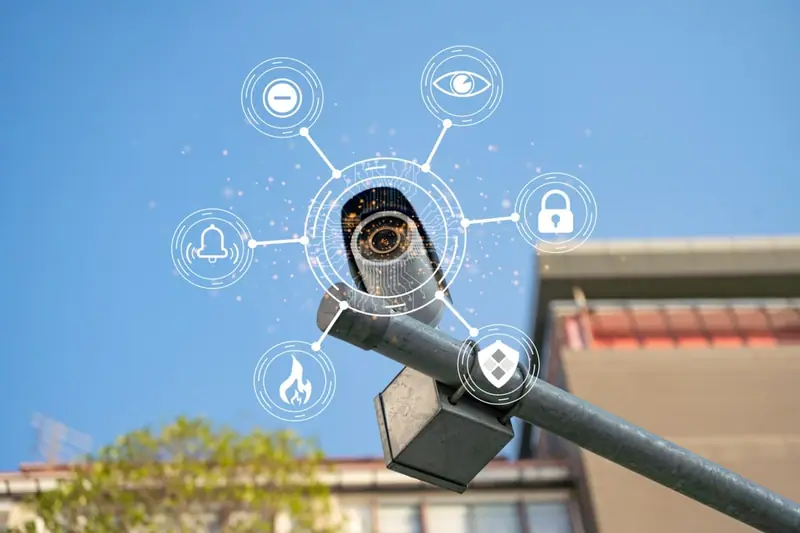
Traditional CCTV recorded everything and waited for someone to review it the next morning. A modern commercial system combines HD cameras, intelligent detection, alarms, and monitoring for complete coverage:
Cameras should be designed as part of the whole business security system, not bolted on afterward, so that video, alarms, and access control share one platform and one set of records.
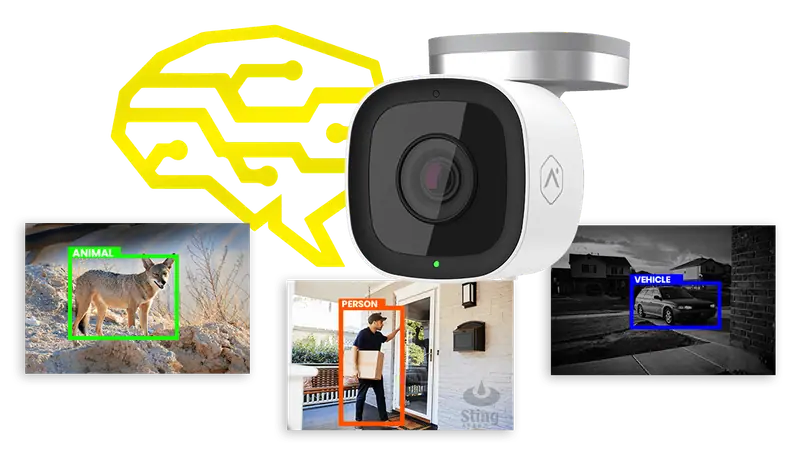
Older systems alerted on any movement, which meant constant nuisance notifications from shadows, headlights, wind, and passing cars. AI video analytics evaluate what the camera actually sees and tell people and vehicles from background activity. For a business on a busy commercial corridor, with parking lots, sidewalks, and loading docks that see constant normal traffic, that difference is what makes alerts worth reading.
Analytics can flag:
Instead of discovering a problem on the morning footage, you get an alert while it is unfolding.
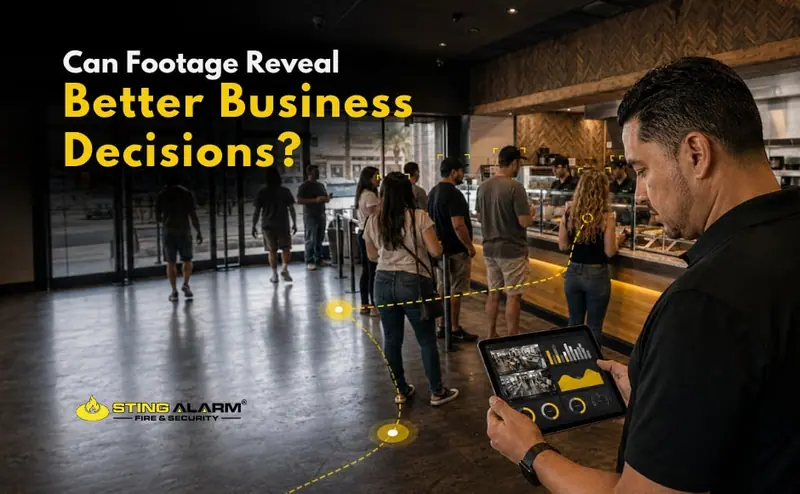
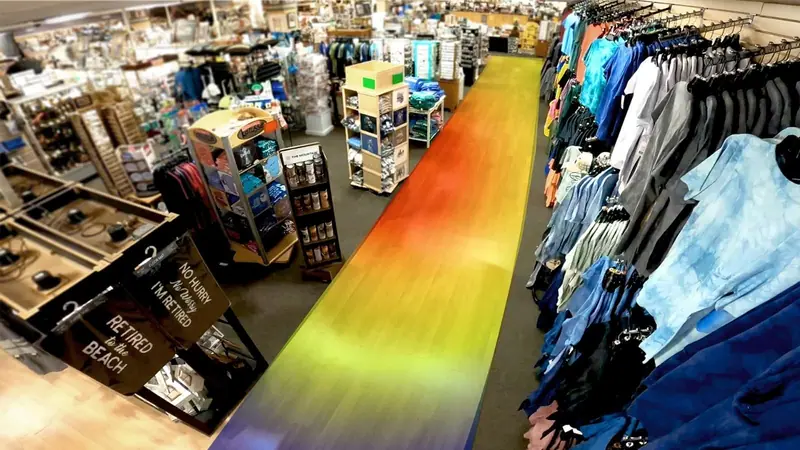
The same cameras can measure how people move through your space. Alarm.com's business activity analytics, which we integrate with your system, include:
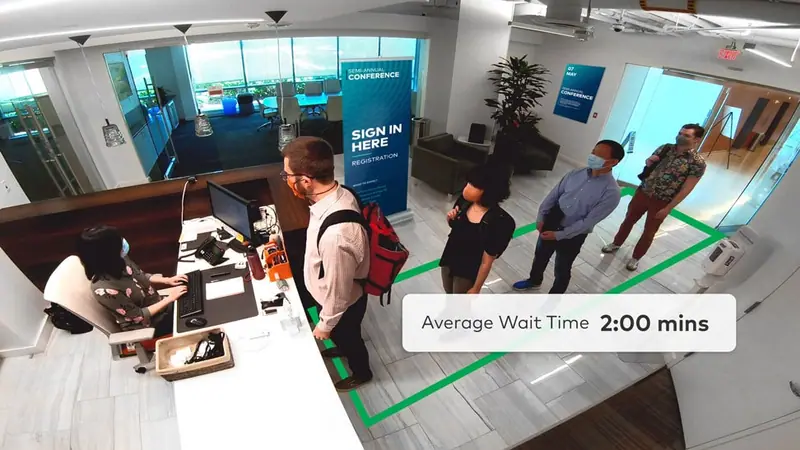
For more on these tools, see analytics and data.
Point-of-sale data tells you what sold. Video analytics tell you how customers moved, where they stopped, and where they gave up. That supports decisions about store layout, product placement, marketing, and staffing. Video also shows whether the store opened and closed on time and how staff interact with customers, and recorded examples make practical training material.
Cameras covering registers, stockrooms, and back doors help you spot:
Reviewing video alongside register activity makes these patterns visible. App user logs add another layer: you can see who disarmed the alarm, changed a code, or switched off the camera in the storage room.
Consider a coffee shop owner we will call Jeff. He arrived early one morning to find his front window shattered. The footage showed two people using a heavy block to smash their way in, and Jeff recognized one of them. The video helped after the fact. The goal is to stop the next one before the glass breaks.
Proactive video deterrence uses analytics to recognize a person in a protected area after hours and respond automatically. Depending on the setup, that can include:
Most would-be intruders leave as soon as they realize they have been spotted. Learn more in our post on proactive video deterrence.
Cameras protect against more than theft. Slip-and-fall claims, real or staged, are a constant risk for retailers, restaurants, and any business with public foot traffic. A January 2021 analysis by the National Insurance Crime Bureau found that business insurance policies accounted for 79% of the questionable slip-and-fall claims it studied from 2017 through 2019, with most occurring at retail stores, parking lots, and restaurants. The NICB also notes that once medical bills, treatment, and lost wages are added up, a single claim can cost as much as $40,000, and that video can be the difference between a fake claim being denied and a business paying for it.
To make sure footage helps:
For a full checklist, read video surveillance and liability claims: what businesses should document.
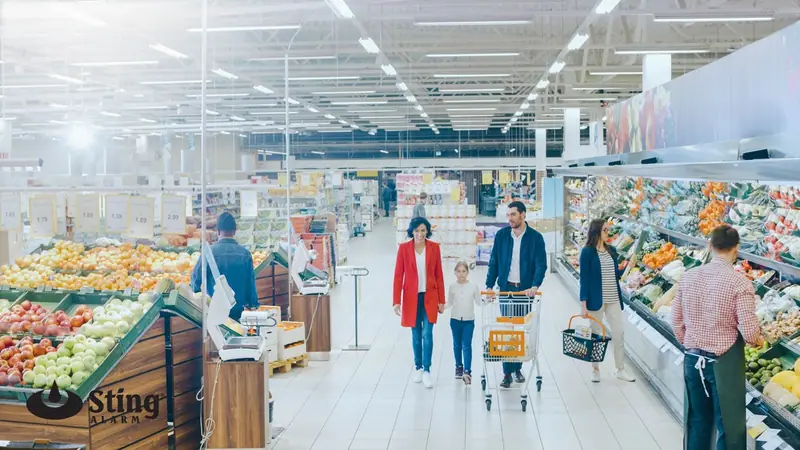
Video analytics become far more effective with people behind them. With remote guarding, live operators watch your cameras during the hours you choose. When analytics flag activity, an operator reviews the live feed, decides whether action is needed, speaks to intruders through on-site speakers, notifies your managers, or contacts law enforcement with live video of the incident. That layered response cuts false alarms while making sure real threats get a fast reaction. It suits properties that operate late, store valuable equipment, or sit empty overnight, such as construction sites, car lots, warehouses, and retail centers.
Every property is different, and camera placement, lighting, network stability, and analytics tuning all determine results. We design coverage so each entry, register, and lot has a camera that can actually see it, then tune analytics to your site. Sting Alarm has protected Las Vegas businesses since 2003, with video surveillance, alarms, access control, remote guarding, and fire protection from one vendor.
Call (702) 737-8464 in Las Vegas or (602) 431-1300 in Phoenix, or request a free quote.
Look for HD video with good night performance, coverage of every entrance, register, and parking area, cloud storage so evidence survives damage on site, AI analytics that tell people and vehicles from background motion, and one app that also runs your alarm and access control. Professional design and installation matter as much as the camera model.
AI video analytics is software that evaluates what a camera sees instead of reacting to any movement. It can tell people from vehicles and background activity, flag someone in a restricted area after hours, count people crossing a line, measure queue length and wait time, and show where customers spend time with heat maps.
Yes. Clear footage of the area and the incident shows what actually happened, including whether a fall was staged. Keep cameras on high-traffic floors, entrances, and parking areas, and save and export footage as soon as an incident is reported, before it rolls off storage.
Analytics detect a person where nobody should be and trigger a response while it is happening. That can be an automated light and audio warning, an alert to you, or live operators who review the video and speak through on-site speakers through remote guarding.
Yes. Cameras covering registers, stockrooms, and back doors let you review refunds without a customer present, voids, and after-hours access. App user logs also show who disarmed the alarm, changed codes, or turned off a camera.
What to know before installing security cameras at a Las Vegas home: smart alerts, AI detection, video verification, recording options, and desert heat.
Business security cameras can show traffic patterns, queue lengths, occupancy, and busy areas. See what video analytics reveal for Las Vegas businesses.
How to pick the best security cameras for a Las Vegas business: camera types, must-have features, smart recording, analytics, and live video verification.
Tell us about your property and a local security expert will review coverage and analytics options.
★★★★★ Isaac and Isaac from Sting were amazing!!! They showed up on time and even got the installation done before the quoted time. Isaac explained how the system worked in detailed and set up my cameras and doorbell without any issues. I would recommend Sting to anyone looking to upgrade their security system and ask for Isaac.
★★★★★ Sting Alarm has been great to work with. Had an issue that needed a field tech to come out. Mike was dispatched and worked on the issue - quickly identifying the issue and resolving it for me. Friendly and great service!
★★★★★ From the beginning, Sting Alarm has been so easy to work with. From Jeff in Sales, to scheduling, and finally when our tech came out in a Saturday for the installation, everything was seamless. Our tech Isaac was fantastic. He was neat and cleaned up after the installation, and took time with me and my husband to get us set up on the app. He was patient, walking us through all the features.… Read on Google