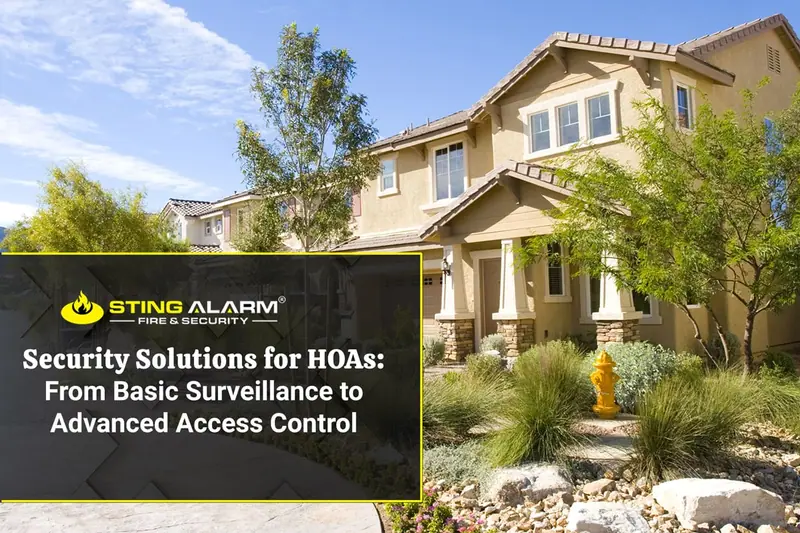
Security Solutions for HOAs: From Entrance Cameras to Clubhouse Access Control
How HOAs protect gates, pools, clubhouses, and common areas with cameras, access control, and remote guarding, and what boards should ask before buying.

How access control, video surveillance, and Remote Guarding each fit HOA security in Las Vegas and Phoenix, and how boards can choose the right mix.
HOA security in Las Vegas and Phoenix requires a different approach from security for a single office or retail location. HOA-managed communities often coordinate access for residents, guests, delivery personnel, vendors, and maintenance teams operating on different schedules. Vehicle gates, pedestrian entrances, clubhouses, pools, fitness rooms, parking areas, and other shared spaces may also have separate access rules.
Access control, video surveillance, and Remote Guarding / Virtual Guard can support these responsibilities, but each serves a different purpose. Understanding those differences can help HOA boards and community managers evaluate options without assuming that one product or service addresses every concern.
Before considering equipment, the HOA should identify which areas fall under its responsibility. Depending on the community, these may include:
The appropriate security approach depends on the property layout, existing equipment, operating schedule, documented concerns, and the association’s policies. A gated neighborhood, condominium building, and master-planned community may require different combinations of technology and procedures.
Access control helps an HOA determine who may enter a controlled area and when. Depending on the selected system, authorized administrators may be able to:
This can be useful when a resident moves, a credential is lost, an employee changes roles, or a contractor needs temporary access to a specific association-managed area.
Access control does not create an HOA’s visitor, vendor, or resident-access policies. Those policies should be established by the board or community management. The technology supports the approved process by applying permissions available through the selected system.
Video surveillance provides visual information from the areas included in the camera system. Depending on the equipment and storage configuration, authorized personnel may be able to view live video, review recorded footage, or receive alerts associated with configured activity.
Camera performance depends on factors such as:
A camera can only show the area within its usable field of view. Video surveillance also does not guarantee that an incident will be detected, prevented, or resolved.
An HOA may consider cameras for association-managed entrances, common areas, parking locations, and other areas where visual information could support an identified operational or security need.
Remote Guarding / Virtual Guard adds professional review and potential intervention to a compatible video system. When configured analytics or rules identify activity, the system may send an alert to trained monitoring personnel for review.
Depending on the service agreement, installed equipment, available video, event, and response instructions, the response may include:
The response can vary by event and system configuration. Remote Guarding does not mean that every camera is watched continuously unless that level of service is expressly included in the agreement. It also does not guarantee that every incident will be detected or prevented.
Possible HOA applications may include reviewing selected alerts associated with:
These are examples, not automatic recommendations for every community. Coverage should be based on the property and the association’s documented priorities.
HOA communities rarely become completely inactive. Residents may enter at any hour, landscaping crews may arrive early, vendors may work during the day, and maintenance activity may occur outside a normal office schedule.
Remote Guarding should therefore reflect the community’s authorized activity. The association and provider can establish which areas and periods are covered, who should receive notifications, and what response should be followed for different events.
Clear procedures can help monitoring personnel distinguish expected activity from an event that may require attention. They can also help reduce unnecessary notifications caused by authorized vendors, employees, or community activities.
Remote Guarding does not replace HOA rules, property-management procedures, emergency plans, resident communication, or on-site personnel when those resources are required.
Although access control, video surveillance, and Remote Guarding may be integrated, they perform different functions:
An HOA may use one of these components or combine them. The appropriate combination depends on the property, existing infrastructure, budget, and the problems the association is trying to address.
Before installing or expanding cameras, access control, or monitored video, an HOA should review its governing documents, contracts, resident-communication procedures, and applicable requirements with its appropriate advisers.
The security provider can explain available system features and configurations. Community policies should be reviewed and approved by the HOA board with guidance from its legal, insurance, or property-management advisers when appropriate.
Outdoor equipment in Las Vegas and Phoenix may be exposed to heat, dust, strong sunlight, wind, and seasonal weather. Equipment selection should be based on the property, installation location, and the manufacturer’s specifications.
The number and placement of cameras, access devices, speakers, and other components should be determined after the property and existing infrastructure have been evaluated. A general blog cannot determine the correct design for a particular community.
For a broader look at HOA options, from cameras to full access control, see our guide to security solutions for HOAs.
Sting Alarm provides commercial access control, video surveillance, and Remote Guarding / Virtual Guard services in Las Vegas and Phoenix. A system should be designed around the association-managed areas, current equipment, community procedures, and the specific concerns identified by the HOA.
Call (702) 737-8464 in Las Vegas or (602) 431-1300 in Phoenix, or request a free quote.
Real incidents recorded by Sting Alarm cameras and handled live by our Remote Guarding operators.

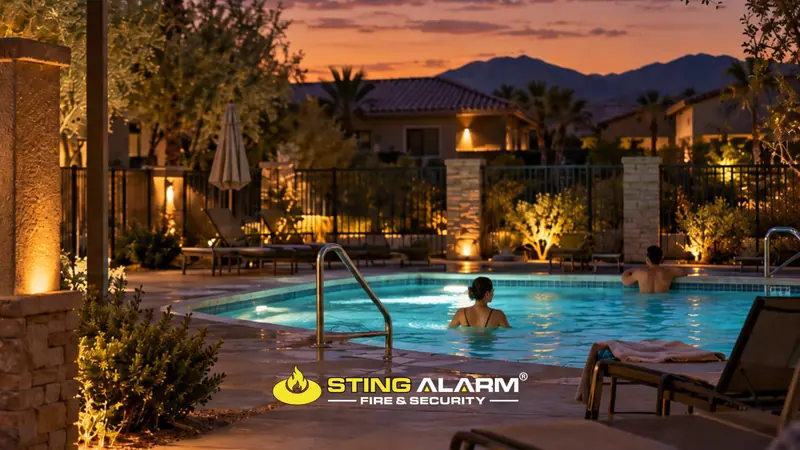
Swimmers still in a community pool after closing. The Remote Guarding operator announces closing time over the speaker and watches until the area is clear, reducing the liability risk for the property.
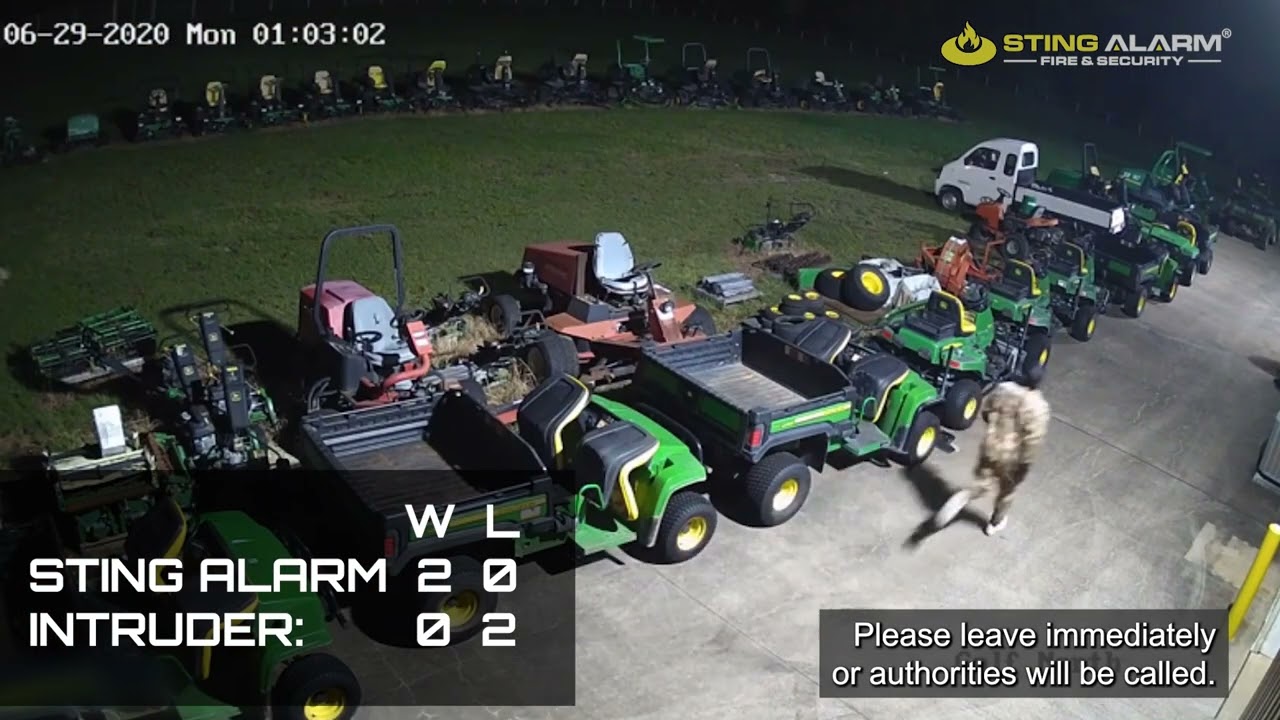
Real footage of Sting Alarm Remote Guarding: cameras with analytics flag a person on the property, a live operator talks them down over the speaker, and the incident is recorded for the customer.
Video surveillance records and shows the areas the cameras cover. Remote Guarding adds trained personnel who review selected video alerts and can respond, for example with a live audio warning or a call to an authorized community contact.
With a suitable access control system, administrators can assign access to specific doors or gates, set schedules, and deactivate credentials when the work is done.
No. Unless continuous viewing is expressly included in the agreement, Remote Guarding responds to selected alerts based on the areas, schedules, and instructions the association sets.
How HOAs protect gates, pools, clubhouses, and common areas with cameras, access control, and remote guarding, and what boards should ask before buying.
How business video surveillance helps document liability claims: what footage can show, camera placement, retention, retrieval, and where its limits are.
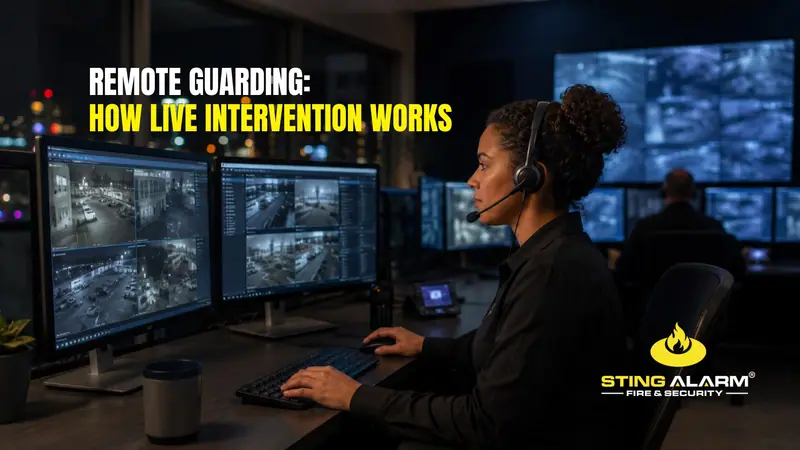
How remote guarding live intervention works: analytics detect activity, a live operator reviews video, gives an audio warning, and follows your plan.
★★★★★ Isaac and Isaac from Sting were amazing!!! They showed up on time and even got the installation done before the quoted time. Isaac explained how the system worked in detailed and set up my cameras and doorbell without any issues. I would recommend Sting to anyone looking to upgrade their security system and ask for Isaac.
★★★★★ Sting Alarm has been great to work with. Had an issue that needed a field tech to come out. Mike was dispatched and worked on the issue - quickly identifying the issue and resolving it for me. Friendly and great service!
★★★★★ From the beginning, Sting Alarm has been so easy to work with. From Jeff in Sales, to scheduling, and finally when our tech came out in a Saturday for the installation, everything was seamless. Our tech Isaac was fantastic. He was neat and cleaned up after the installation, and took time with me and my husband to get us set up on the app. He was patient, walking us through all the features.… Read on Google