


October is Crime Prevention Month, which makes it a useful time for homeowners in Las Vegas and Phoenix to review whether their home security still matches the way their household lives. This Crime Prevention Month home security checklist focuses on access points, lighting, visibility, and connected settings that can change over time. Locks wear, landscaping grows, access codes remain active, and alert settings can fall out of step with a new schedule. A focused review can help you identify what needs to be repaired, reconfigured, or replaced.
October was designated as Crime Prevention Month through a presidential proclamation in 1984. The National Crime Prevention Council continues to use the observance to encourage participation in crime prevention and personal safety. For homeowners in Las Vegas and Phoenix, that work can begin with the parts of the property you can inspect directly: access points, lighting, visibility, and connected security settings.
Review doors windows and garage access
Start with every entrance that can be reached from outside, including the door between an attached garage and the home. Confirm that each exterior door closes squarely, the lock engages fully, and the frame, hinges, and strike hardware show no visible looseness or damage. If a door shifts in its frame or the deadbolt does not extend smoothly, add it to a repair list instead of assuming the lock is providing its intended protection.
Check accessible windows and sliding glass doors as well. A sliding door should have a working primary lock and, when appropriate, a secondary device designed for the track or door. Windows near the ground, a roofline, or another easy approach deserve particular attention. Any added device should still allow occupants to exit safely in an emergency.
If your household uses keypad locks, garage keypads, or other coded entry, review who currently has access. Remove codes that are no longer needed and assign individual codes when the system supports them. This makes it easier to change one person’s access without replacing a code shared by the whole household.
Check lighting visibility and address numbers
Review exterior lighting after dark, when you can see what it actually covers. Look at the front door, garage, side gate, patio door, and the path from the driveway or sidewalk. Replace failed bulbs and note any entry point that remains difficult to see. If a fixture needs to be added or repositioned, include that in the follow-up list rather than treating the review as complete.
Trim landscaping that blocks the view of doors, windows, walkways, or cameras. The goal is useful visibility around an entry point, not removing every plant near the house. Also check whether the street address can be read from the street at night. These concerns apply in both markets. LVMPD includes access points, lighting, address visibility, and landscaping in its home security surveys, while Phoenix Police uses property-design guidance focused on visibility and reducing opportunities for crime.
Review smart locks sensors and cameras separately
Connected security features are most useful when their settings match the device and the household routine. A smart lock, a door sensor, and a camera can provide different information, so review each one separately.
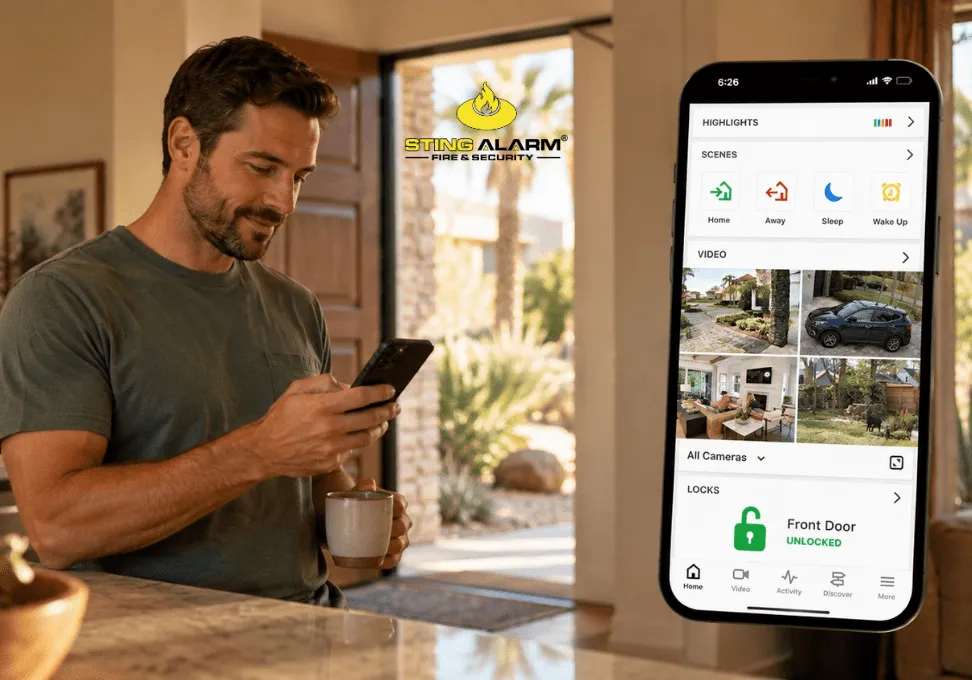
With a compatible smart lock, the Alarm.com app can lock or unlock the door remotely. Lock Activity notifications can report when a lock is locked or unlocked, while a Lock Left Unlocked rule can send a notification after the lock has remained unlocked for a selected amount of time. These notifications must be configured, and available options can depend on the equipment and account setup.
A door or window sensor reports whether that monitored opening changes state. It is separate from the lock itself. If you use sensor alerts, confirm that the rule covers the correct door or window and that it reaches the right household members. This avoids relying on a smart-lock notification to report an event that only a contact sensor can detect.
For connected cameras, confirm that each device is online and that the current view is useful during both daytime and nighttime conditions. Review activity zones, recording rules, and notification schedules so routine traffic does not create unnecessary alerts. If the account reports outdated camera firmware, follow the available update instructions or contact Sting Alarm for help.
Use a checklist that leads to a next step
As you walk the property, place each finding into one of four categories: working as intended, adjust a setting, schedule a repair, or consider an upgrade. That keeps the review from becoming a list you complete without resolving the issues you found.
Use this checklist to guide the walkthrough:
- Confirm exterior doors close securely and locks engage fully.
- Check door frames, hinges, and strike hardware for visible looseness or damage.
- Test accessible window locks and sliding-door security devices.
- Include garage entry doors, side gates, and less frequently used access points.
- Review exterior lighting after dark and note areas that remain difficult to see.
- Trim landscaping that blocks entry points, lighting, address numbers, or camera views.
- Remove old access codes and confirm current codes belong to the right people.
- Check smart-lock battery status, connectivity, and notification rules.
- Review door and window sensor alerts separately from smart-lock alerts.
- Confirm cameras are online and their views, activity zones, and schedules remain useful.
- Verify that alerts go to the household members who should receive them.
- Record any repair, settings change, or equipment question that needs follow-up.
Talk with Sting Alarm about your home security
If your checklist identifies a coverage gap or a setting you are unsure about, Sting Alarm can help homeowners in Las Vegas and Phoenix review compatible smart home security options, including locks, cameras, sensors, and app-based alerts. Request a free quote to discuss what fits your home.
